Projects
Register local web projects once and keep profile, variant and packaging metadata without duplicating the source.
Package. Build. Deploy.
Secure checkout and downloads via itch.io. $3.99 minimum — pay more if you wish.
View Rubra Packager on itch.io →
Rubra Packager is a Windows desktop release workshop for trusted local projects. Beyond turning offline/static web applications into EXE or APK builds, it can start directly from a Python application source tree, validate it, stage dependencies in isolation and build a Windows ONEFILE or ONEDIR artifact.
That artifact can then be passed to Setup Builder and turned into a real Inno Setup Windows installer. This Python source → EXE/ONEDIR → Setup chain is a core part of the product and sets it apart from a narrow HTML-to-EXE converter.
The project started as an internal GVibeDev release tool and, after repeated real-world builds, was separated into an independent product with its own interface, private build runtime, security gates and release tooling.
Register local web projects once and keep profile, variant and packaging metadata without duplicating the source.
Check UTF-8 readability, local references, profile-required files and included/excluded content before packaging.
Package offline/static web applications as one-file Windows executables using PyWebView and PyInstaller.
Start from Python source and build ONEFILE or ONEDIR, GUI or console, with icons, metadata, hidden imports, data files and isolated dependencies.
Build device-oriented Android APKs for supported static web projects through Node/npm, Capacitor-style staging and Gradle/Android tooling.
Take the built ONEFILE EXE or ONEDIR folder and turn it into an Inno Setup installer with stable AppId, shortcuts and uninstall support.
The Python path is not an add-on to the web converter: it is a separate pipeline. Rubra Packager uses a private Python/PyInstaller engine, runs a dedicated preflight and keeps dependency staging isolated from the application runtime.
Select the project folder and Python entry point.
Check entry point, syntax, dependency metadata, hidden imports, data paths and search paths.
Choose ONEFILE or ONEDIR, GUI or console, icon, version, publisher and description; PyInstaller produces the Windows artifact.
Pass the EXE or ONEDIR folder to Setup Builder and generate an Inno Setup installer with shortcuts, stable AppId and uninstall support.
Setup Builder is deliberately a second stage: it does not compile Python source directly, but packages the already-produced and tested Windows artifact. The complete user workflow is still source Python → EXE/ONEDIR → Setup.
The first workflow that drove the packager was Arena Rubra Digital: a large offline web game with a substantial local asset library and a need to separate FULL and LITE packages without silently dropping files that were actually referenced.
That is why the distribution still includes an Arena Rubra profile. It is not special-case code in the engine: the profile system is data-driven and loads the same JSON rule structure used by Generic Web Game and Generic HTML App.
Current Windows captures covering project registration, preflight, Windows, Python and Android packaging, plus the About workspace.
Rubra Packager separates the frozen desktop GUI from its private Python build engine. The private runtime lives under %LOCALAPPDATA%\RubraPackager\runtime\.venv, while external platform toolchains remain explicit system dependencies.
Running Rubra Packager directly from the source repository requires Python 3.11 or newer. The bootstrap helper creates or repairs the private runtime and installs pywebview, PyInstaller and Pillow.
Official downloads: python.org ↗Inno Setup 6 or 7 is required for Setup Builder and for building Rubra Packager’s Setup release. If it is missing, the application can offer an explicit winget bootstrap after user confirmation.
Official downloads: jrsoftware.org ↗Android builds require JDK 17+, Android SDK and Node.js/npm. Android Studio is the simplest supported route for installing and maintaining the SDK.
Official downloads: Eclipse Temurin ↗Install Android Studio and use its SDK Manager, or the official command-line tools, to configure the required SDK platforms and tools.
Official downloads: Android Developers ↗Required by the Android workflow and by web projects that need an npm build step before packaging.
Official downloads: nodejs.org ↗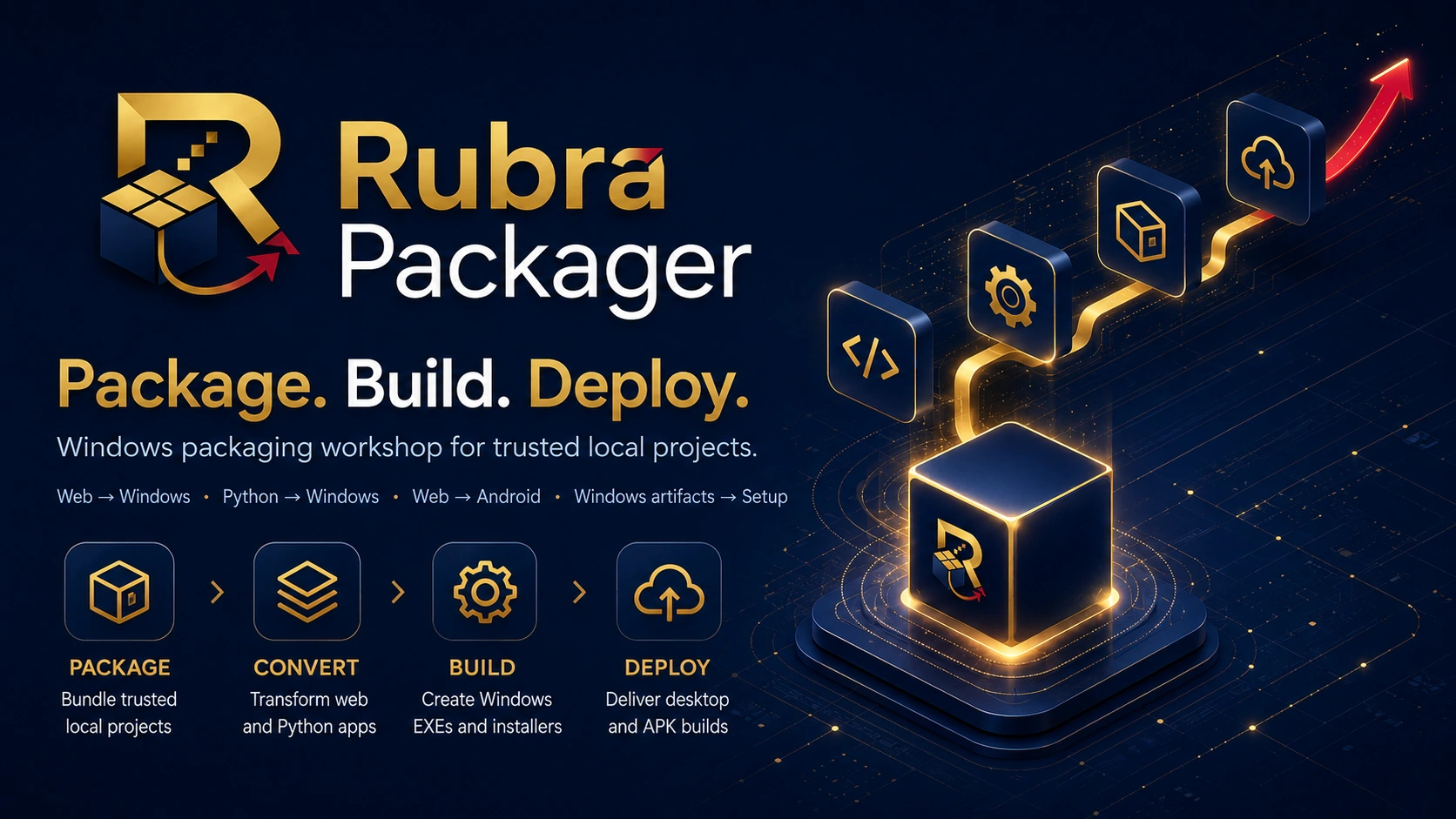
When dependency installation or source builds are enabled, the selected project can execute code with your Windows user permissions. Use those operations only for sources you know and trust.
GitHub remains the public home for source code, documentation, tests, branding and the tooling required to assemble Rubra Packager. Compiled artifacts are intentionally kept out of the source tree.
Official binary distribution is now active on itch.io: checkout, the buyer library and Setup/Portable downloads are handled directly by the platform. A GitHub Release with tested binaries remains planned as an additional future channel.
To build Rubra Packager locally, the repository provides build_release_windows.cmd: it prepares the runtime, builds the ONEDIR application, creates the Portable ZIP and compiles the Inno Setup package, then writes the release manifest and SHA-256 checksums.